HomePeek
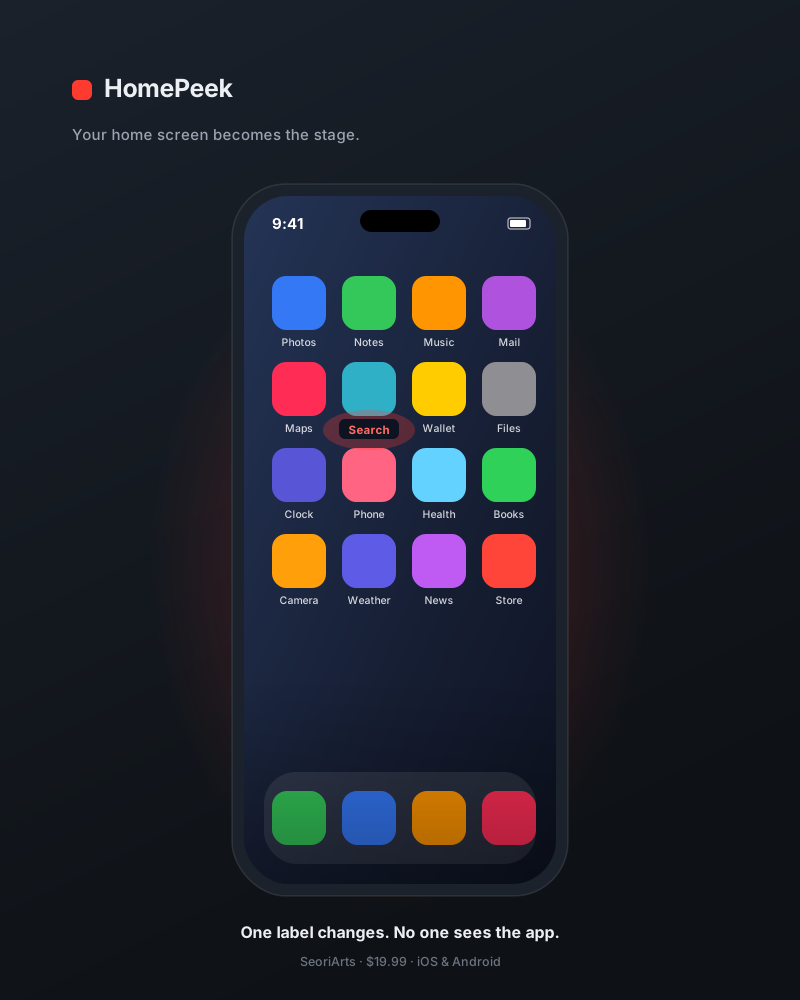
No more glancing at a watch or sneaking your phone out. Your phone just sits on the table — and over an icon on its home screen, the word your spectator just searched or thought of quietly surfaces. Take your inject or web-search peek in the most natural place there is. Works on both iPhone and Android.
Your license and launch link arrive by email.
Once payment completes, a license code and launch link are emailed to you automatically. Tap the link once and the app activates immediately; after that it's saved on your device and opens fast every time. No account to create, nothing complicated to set up.
Just a glance at the phone you set down
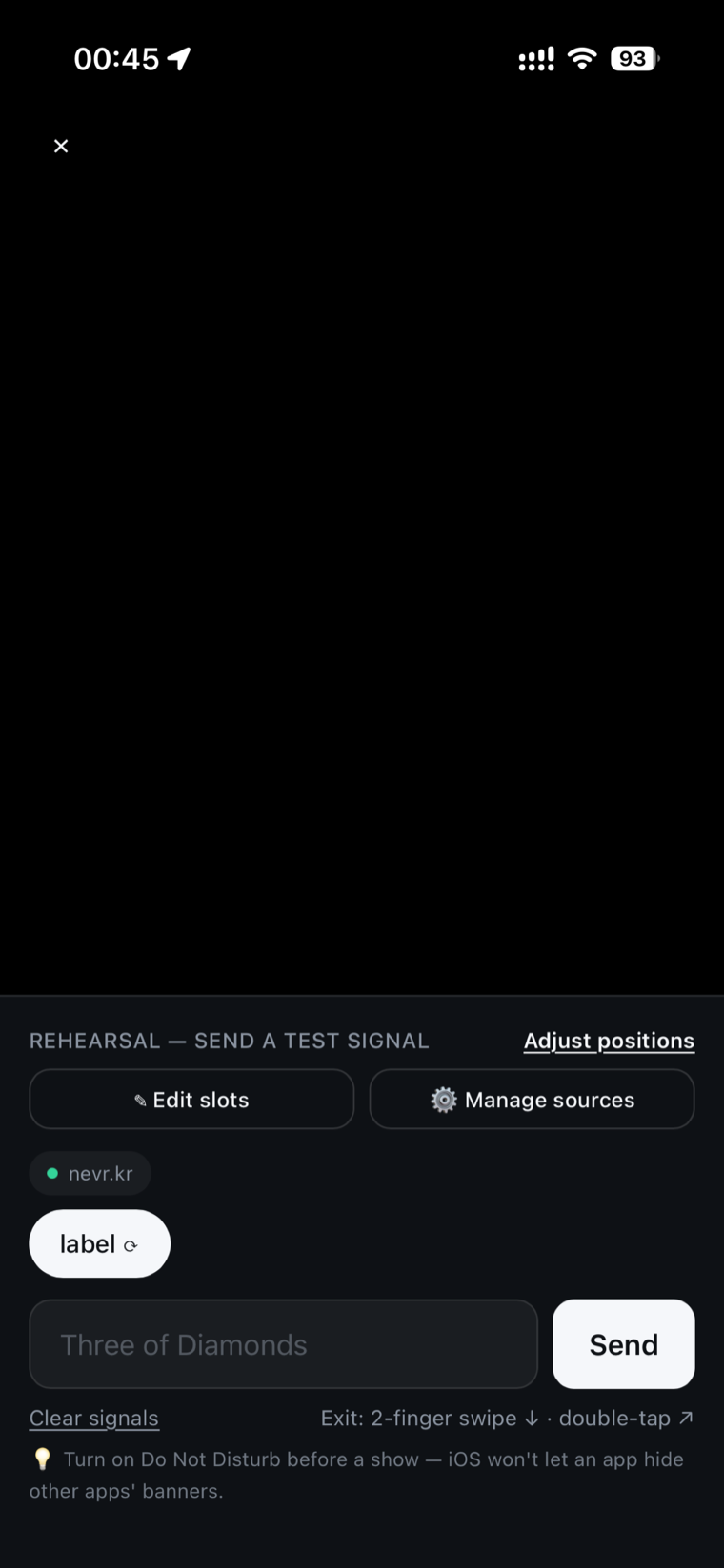
Nothing to do mid-routine. A quick look at the phone on the table tells you what your spectator searched or thought of. The awkward beat of checking a watch or pulling out a phone is gone.
An ordinary home screen, as the disguise
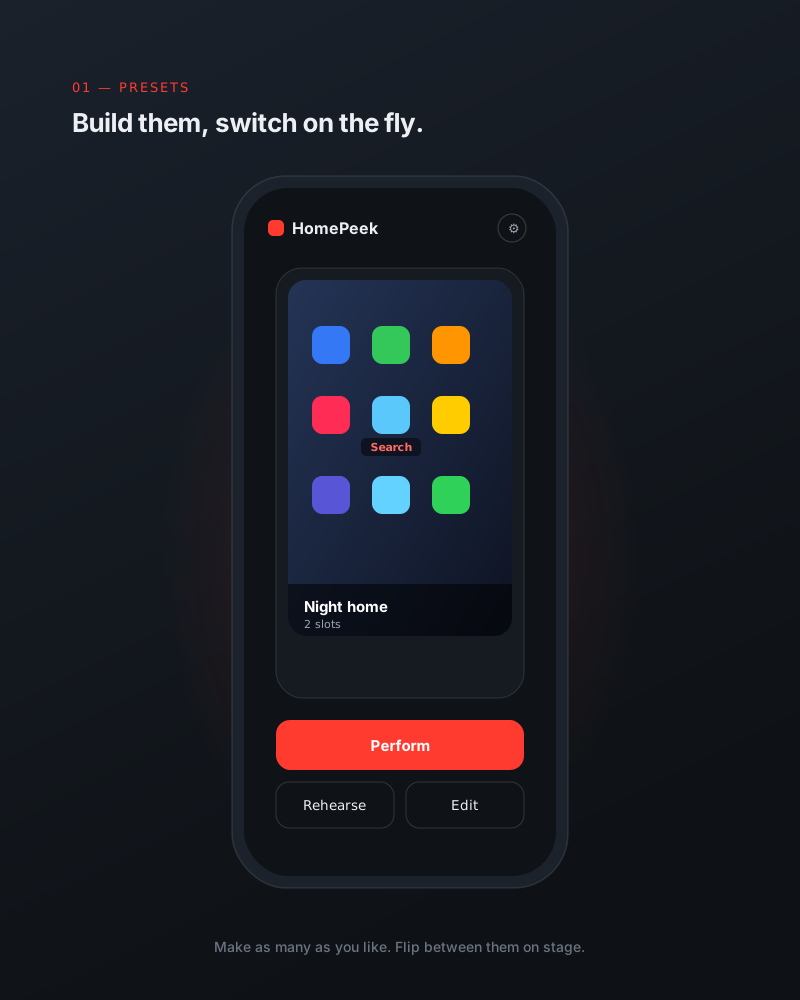
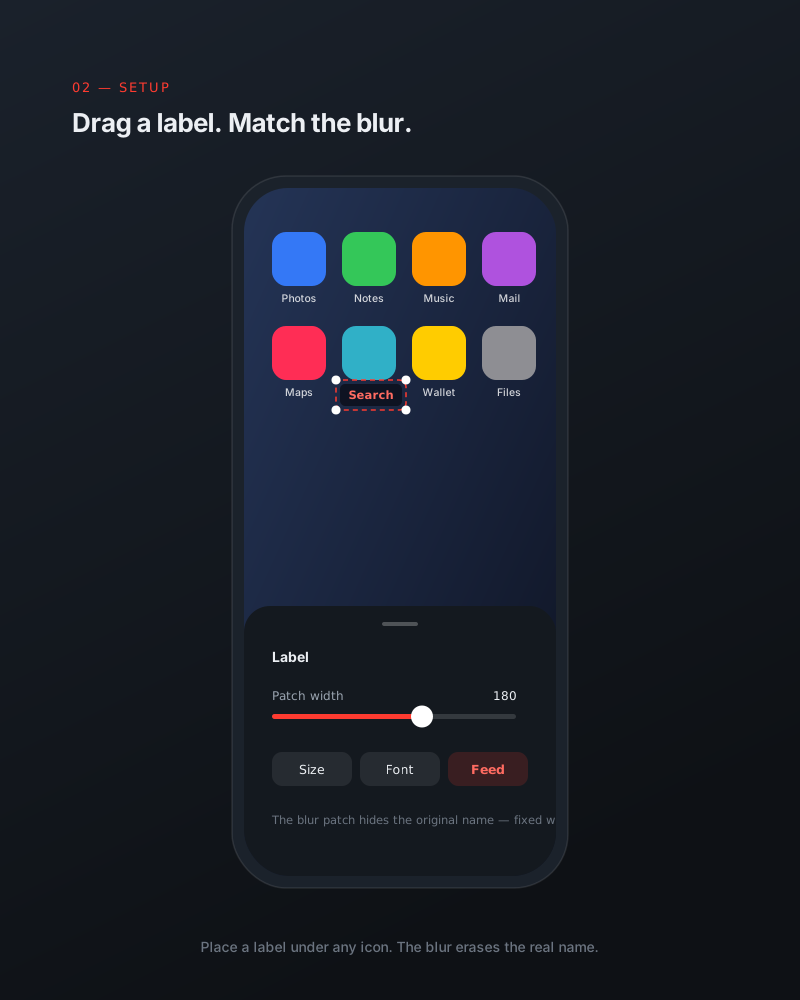
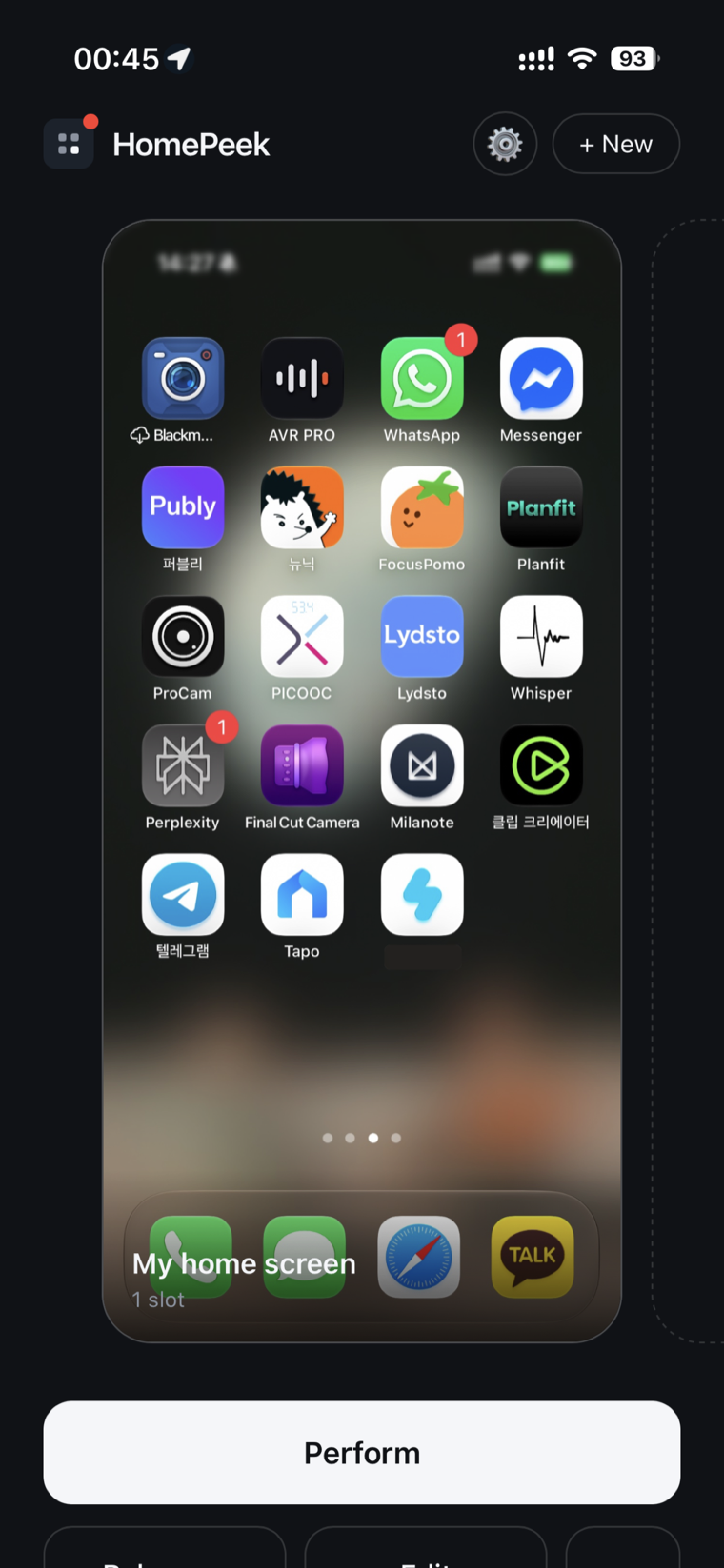
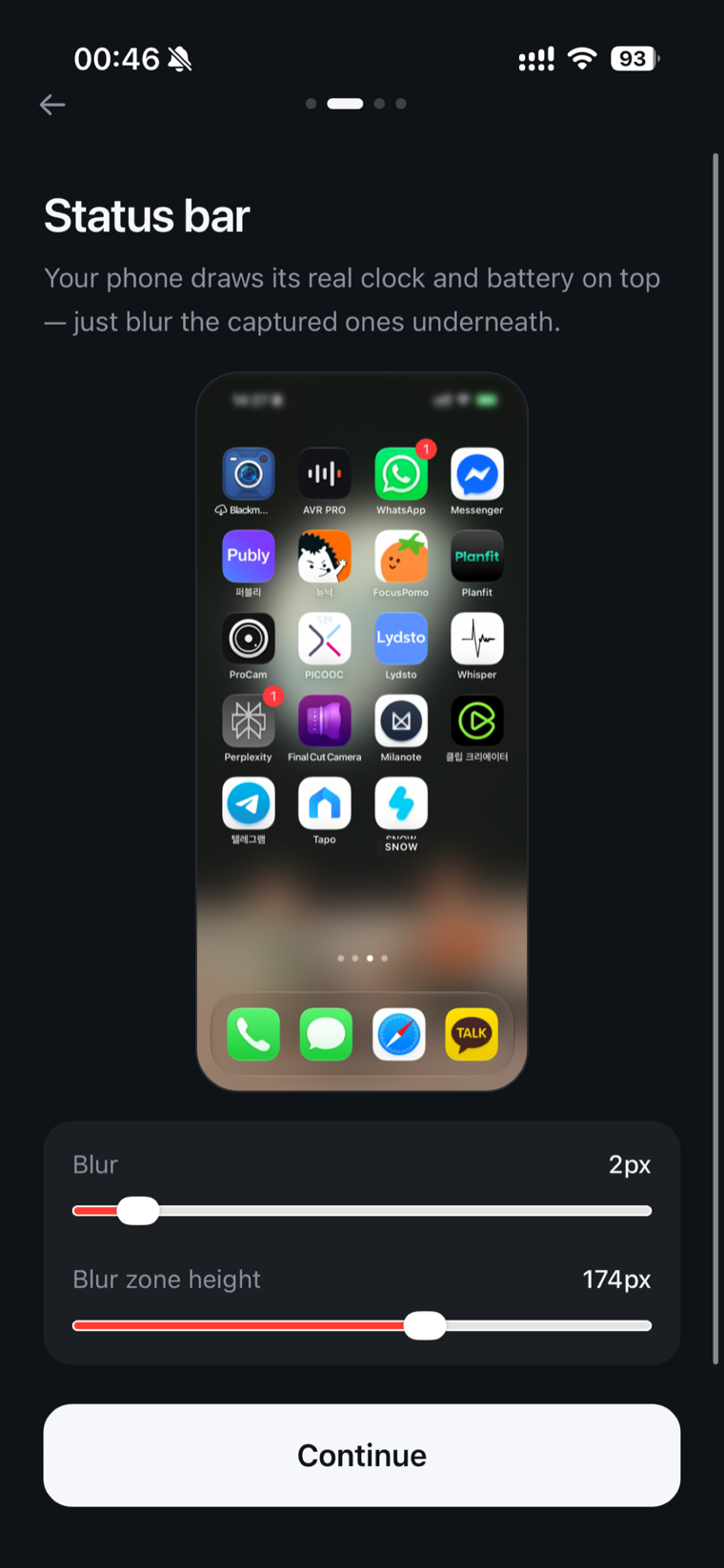
Capture your real home screen and place invisible output slots on top of it. Signals arrive quietly on an icon badge or under an app name, so a glance never tells it apart from a normal home screen.
Connects to the tools you already use
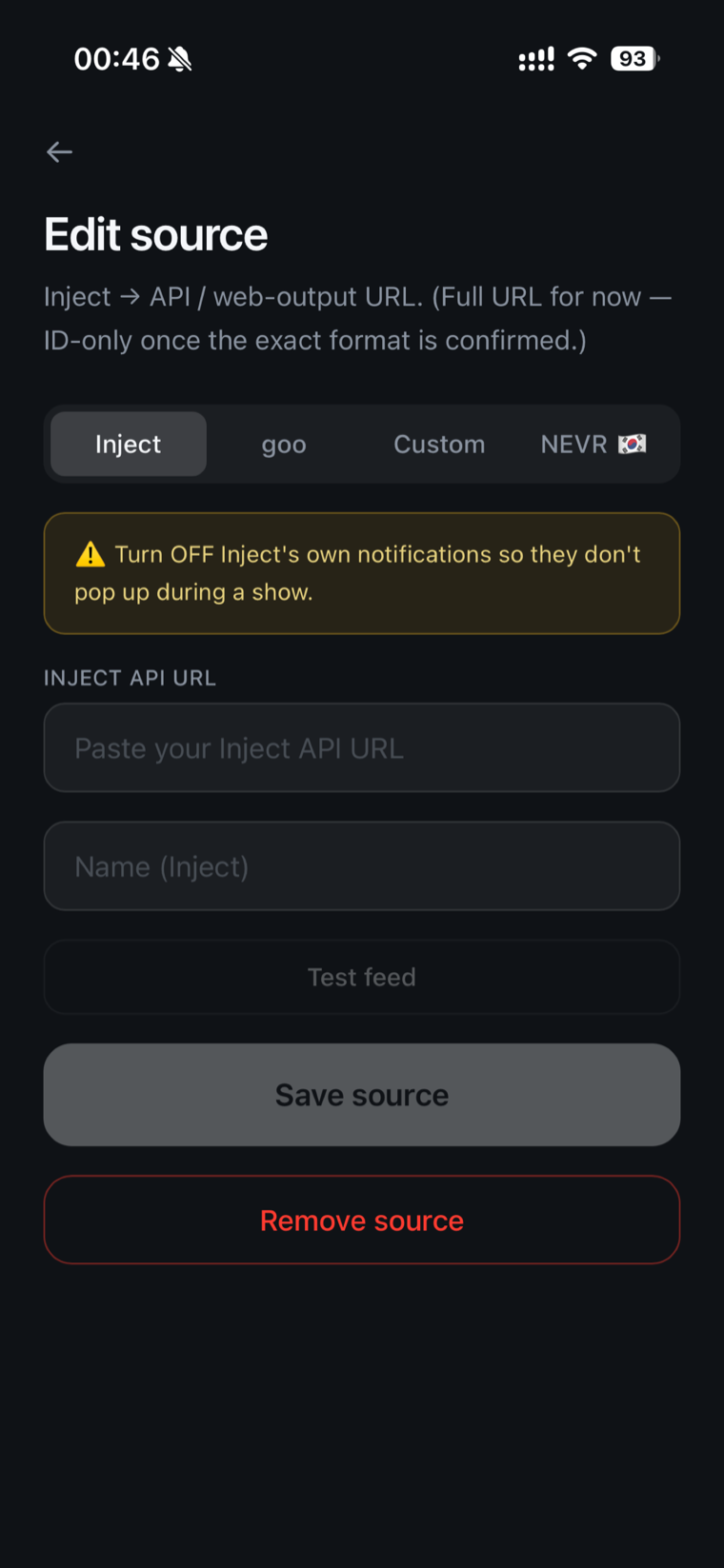
Hook up Inject, goo, a web-search peek — any app with an API — and pull its signal in. You're not switching tools; you're bringing your usual peek onto the most natural screen there is.
iPhone and Android alike
It behaves the same on both platforms. No device to worry about — just set the phone you already carry on the table.